
Over the years, we have written a lot about face-to-face collaboration, including this blog post in March 2021. During the pandemic, “face-to-face” meant something quite different for most teams. Many are still fully remote and a lot of them may stay that way or be hybrid (a bit of both). We discuss what collaboration means in today’s world.
As tragic as the pandemic was, some industries got a boost – particularly products that help teams collaborate remotely. Prominent examples include Zoom, Slack and Miro (and their competitors). Before the pandemic, meetings that included both in-office and remote participants often still used telephones and cameras in conference rooms. They sometimes used shared spreadsheets or documents. Now, many teams use Zoom (or similar) for meetings most of the time to include everyone equally. Similarly, Slack and other apps such as Teams were often a supplement to communication for development teams, and now all employees depend on it (or similar tools). Teams have turned to Miro and similar products for online whiteboards and sticky notes.
Visual collaboration tools
Unfortunately, not all teams use visual collaboration tools to their best advantage to get everyone engaged during planning meetings, strategy sessions, retrospectives and more. For example, when everyone on a team starts writing on virtual sticky notes and moving them around the board, they start generating new ideas. People who might be shy to speak up in a Zoom call may be more comfortable writing and drawing on a virtual whiteboard.
Visual techniques like mind mapping, impact mapping and context diagramming are a few examples of activities that work well virtually. Miro and Mural are popular tools that offer a wide variety of formats. Simpler tools such as the free ones Google offers can be just as effective.
Connecting for face-to-face collaboration
You’re a tester pairing with a developer to review code changes for a story. You need the product owner to answer a question – or, the product owner realizes there is a new requirement and wants to talk to you about it. How can you start conversations quickly when working remotely?
Make it easy to connect by creating a Slack (or similar tool) channel for team Zoom (or other video meeting product) rooms. Slack has a Zoom integration that lets you create a meeting, with a description of the meeting, and let anyone in the channel join. Everyone can see who’s in the meeting, so the product owner can simply look to see where you are and hop in. Or, you can @mention them in the channel and ask them to join. Other chat tools have similar features.
Working with multiple teams
Many features involve multiple teams working on different services that have to integrate. To help speed up communication, they create a temporary Slack channel for the feature. Anyone can post about changes, new information, or ask questions. It’s easy to @mention the people who need to talk and hop into a video call together.
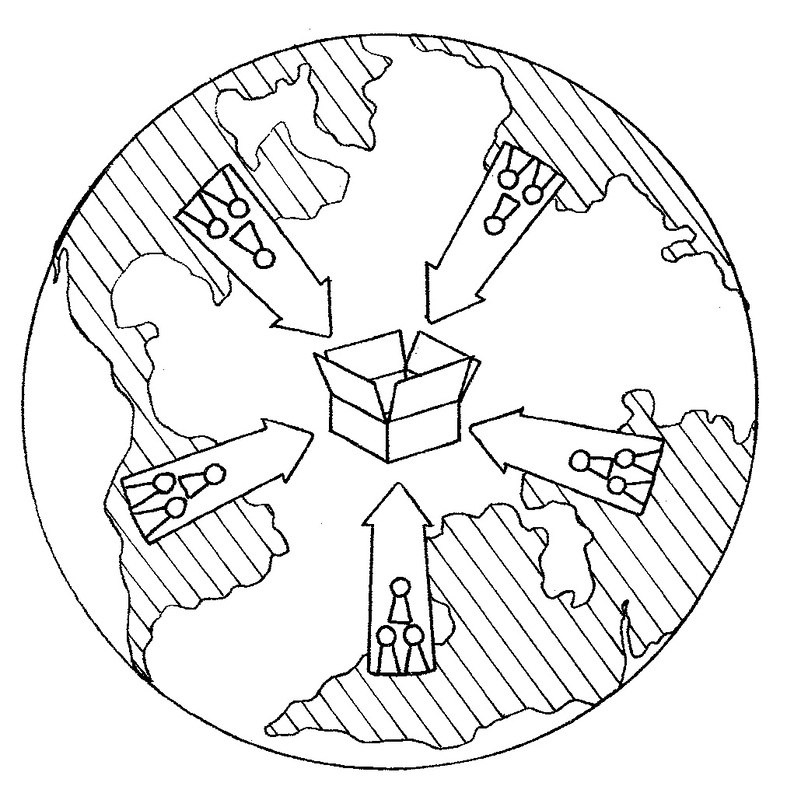
At Lisa's last full-time job, the testers on the various teams created an additional temporary channel dedicated to information about testing. It helped them share information and schedule meetings as needed. When the new features were released, the channels could be archived to save conversations in case they were needed for reference. Working together, the testers promoted more communication and collaboration among the teams.
We’ve given you a few examples of different ways to foster communication. There are many more out there! Take advantage of the new technologies that let us get similar benefits to having people in the same room drawing on a whiteboard. Use the power of face-to-face communication, adapt as needed for your context.